
Machining drawing guide
Custom Shaft Drawings: Fits, Runout and Manufacturing Checks
A shaft can meet its diameter limits and still run out relative to the bearing seats. Before requesting a quotation, check that the drawing defines both the size of each working surface and how those surfaces relate to one another.
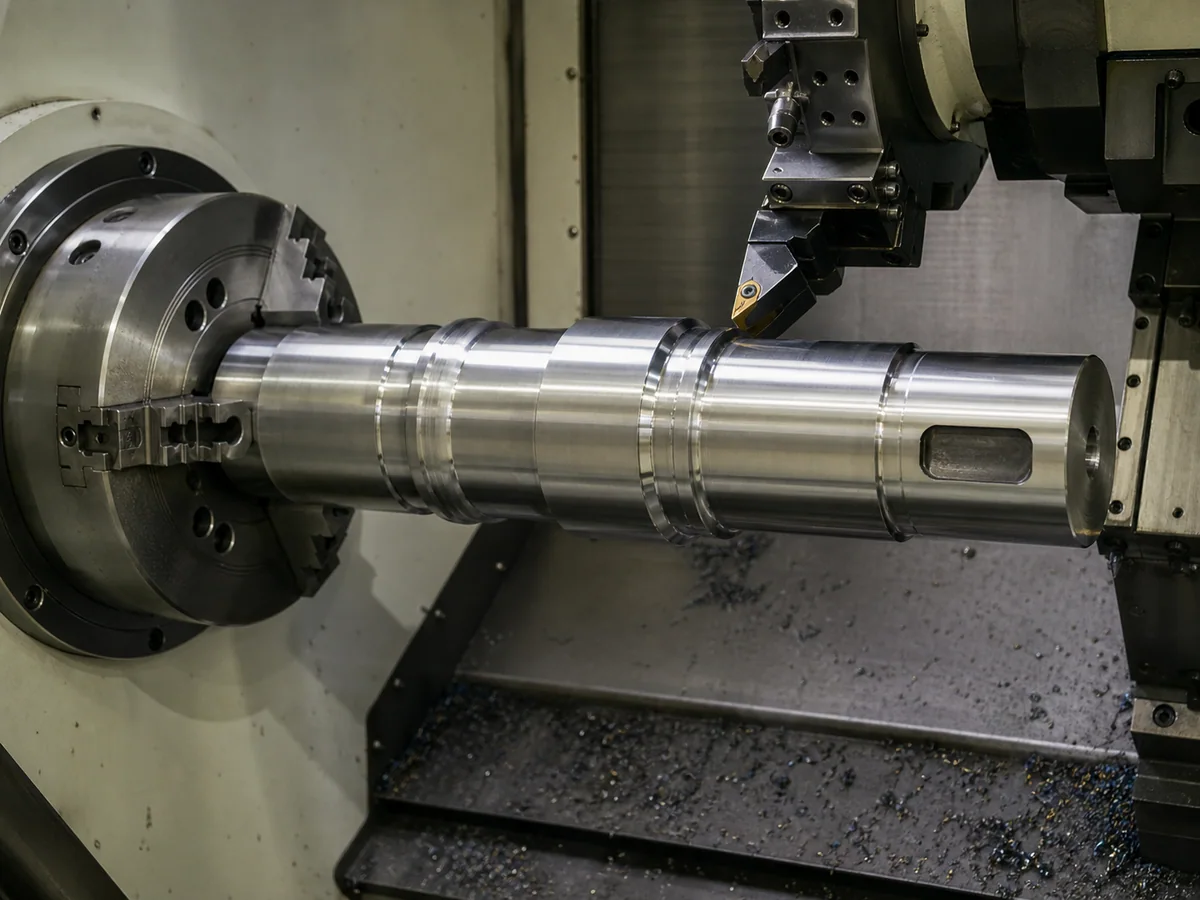
Start with the surfaces that do the work
Look at the shaft in its assembly, not only as a turned outline. Which surfaces support it? What locates the bearing or hub axially? Where does it transmit torque, and where does a seal run? Those answers determine which dimensions need individual controls.
- Bearing seats
- Identify the mating bearing and the required seat diameter, length, surface finish and geometrical controls.
- Locating shoulders
- Show the axial position, contact face and corner relief or radius. Check that the mating part can seat against the face.
- Drive connections
- Define the keyway, spline, flat or other connection completely, including its position relative to other features where this matters.
- Seal-running surfaces
- Identify the seal and its surface requirements. A turned diameter with the right size is not automatically a suitable seal-running surface.
An assembly section or a mating-part drawing can explain something that is difficult to infer from the shaft alone. If a diameter has no mating function, do not automatically give it the same tolerance as a bearing seat.
This guide focuses on drawing-led shafts, particularly rotating parts with several functional surfaces. For an oscillating joint, the pin and bushing fit guide addresses a different problem: the pin, bushing, housing and lubrication working together.
A nominal diameter does not specify a fit
A shaft and a hub may carry the same nominal diameter while being intended for a clearance, transition or interference fit. The permitted shaft and bore limits determine the possible clearance or interference. You need both sides of the interface to assess it.
Use the specified fit designation and governing standard, or explicit dimensional limits. Avoid adding a second set of limits that conflicts with the fit designation. Check the drawing’s general tolerance note too: it should be clear which dimensions it covers and which have individual requirements.
For a bearing seat, the fit depends on the bearing arrangement and service conditions, including how the load acts relative to the rings. Do not choose a shaft tolerance from the bearing bore diameter alone. Give the supplier the approved interface requirement rather than asking it to guess from the machine’s power rating.
Surface finish is a separate requirement. A size tolerance does not specify roughness or lay. Mark the surfaces where finish affects bearing mounting, sealing or another function, and use the requirements for the actual mating component.
Runout needs a defined datum axis
“Keep the shaft concentric” leaves too much open. Identify the controlled surface, the required geometrical characteristic, its tolerance and the datum reference. The drawing must show the physical datum features used to establish the reference axis; a centerline through the view is not enough.
The design may reference one bearing seat or establish an axis from a defined combination of features. Use the datum system specified for that assembly. Holding an arbitrary end in a chuck does not automatically reproduce it during inspection.
| Control | What it evaluates | What to watch for |
|---|---|---|
| Circular radial runout | At each circular cross-section of the specified surface, evaluated separately as the shaft rotates about the datum axis. | Checking one section does not establish compliance along the whole bearing seat. |
| Total radial runout | Across the full specified cylindrical surface as the shaft rotates about the datum axis. | The whole surface must satisfy one common tolerance zone; separate good readings at individual sections are not enough. |
A face can also have a runout requirement, but the table above concerns cylindrical surfaces measured radially. Make the direction and the controlled surface unambiguous on the drawing.
Runout is not a substitute for a balancing requirement, nor does an acceptable runout result guarantee low vibration in the complete machine. If the assembly requires balancing, define that separately, including the supplied assembly condition. Do not treat “balanced” as an implied part of a shaft quotation.
Check the details between the main diameters
Shoulders and corner radii
The mating component must clear the shaft’s corner radius and contact the intended locating face. Check the bearing or hub chamfer against the shoulder detail. A relief groove, where specified, also needs a defined shape and location; it should not be left for the machinist to invent.
Keyways, holes and threads
Show keyway width, depth, length and end position, including any angular relationship to a cross-hole or another keyway. A width alone does not define the slot. For threads, include the designation, usable length and any required runout or relief. A section view is often the clearest way to resolve an internal detail.
Holding and tool access
Long slender sections, deep recesses and closely spaced shoulders can affect support, tool clearance and the number of setups. If center holes are required or prohibited, say so. Manufacturing center holes are not automatically the drawing’s inspection datums.
Include the full outline and overall length, even when the enquiry concerns only a few finished diameters. For larger parts, our large-part CNC machining checklist covers the incoming blank, setup space and handling information needed for review.
Agree the final condition before planning the operations
“Alloy steel, hardened” is not a complete material requirement. Specify the grade and material standard, then identify any required heat treatment, hardness range, test method and test location. Where a hardened layer is required, define the relevant depth and acceptance method as well.
Heat treatment can change dimensions and shape. Coatings can also change the size of a mating surface. State whether the drawing limits apply after these operations and identify any surfaces that must be masked or left untreated.
A sequence to discuss, not a default recipe
For a shaft requiring heat treatment, the review may cover rough machining, heat treatment, final finishing and inspection in the specified final condition. The material, shape and tolerances determine the actual route and any finishing allowance.
Do not assume that grinding, straightening or a particular heat-treatment process is included. List the required result and resolve the proposed operations during quotation review.
ROCKVANTA reviews custom shafts and related machined parts against the supplied drawing and agreed scope. Our heat-treatment capability page provides context for that review; it is not a blanket process specification for every shaft.
Tighten the requirement where it matters
A tighter limit can require more finishing, a different setup or a more demanding inspection method. The cost depends on the feature and process; there is no fixed price premium for adding a decimal place. Keep functional requirements explicit and avoid imposing the tightest limit on every surface.
Before ordering, agree which characteristics need recorded results, whether the inspection covers every part or an agreed sample, and whether a first-article report is required. For runout, the measurement setup must establish the specified datum axis and assess the specified surface. A report that simply says “runout OK” may not provide the evidence your receiving inspection needs.
Material certificates, hardness results and dimensional reports answer different questions. Define the records required for the order and how they will be linked to the part or batch. Results from a previous sample do not certify a new shaft.
A 3D model helps explain geometry, but it does not replace missing manufacturing requirements unless they are explicitly included in an agreed model-based definition. If you send a model and a 2D drawing, check that their revisions agree and identify the controlling document.
What to send with a custom shaft RFQ
Send the current drawing, the matching model if available, and the details below. Mark unresolved points rather than filling them with assumed tolerances.
- Drawing and model
- Part number, revision, units, quantity, and the governing drawing standard. State which document controls if the model and drawing differ.
- Mating interfaces
- Bearing, hub, coupling and seal references, or controlled interface drawings. Include the required fits and shoulder locations.
- Geometrical requirements
- Datum features, applicable runout or other tolerances, surface finish and any critical angular relationships.
- Material and final condition
- Material grade and standard, supplied condition, specified heat treatment or coating, and the acceptance requirements after processing.
- Inspection and delivery
- Report requirements, inspection extent, any first-article requirement, protection of finished surfaces, destination and required date.
When comparing quotations, check the same revision, material condition, finishing scope and inspection records. Note whether the order covers a bare shaft or includes keys, bearings or other fitted parts.